WhatsApp Group Link Not Working

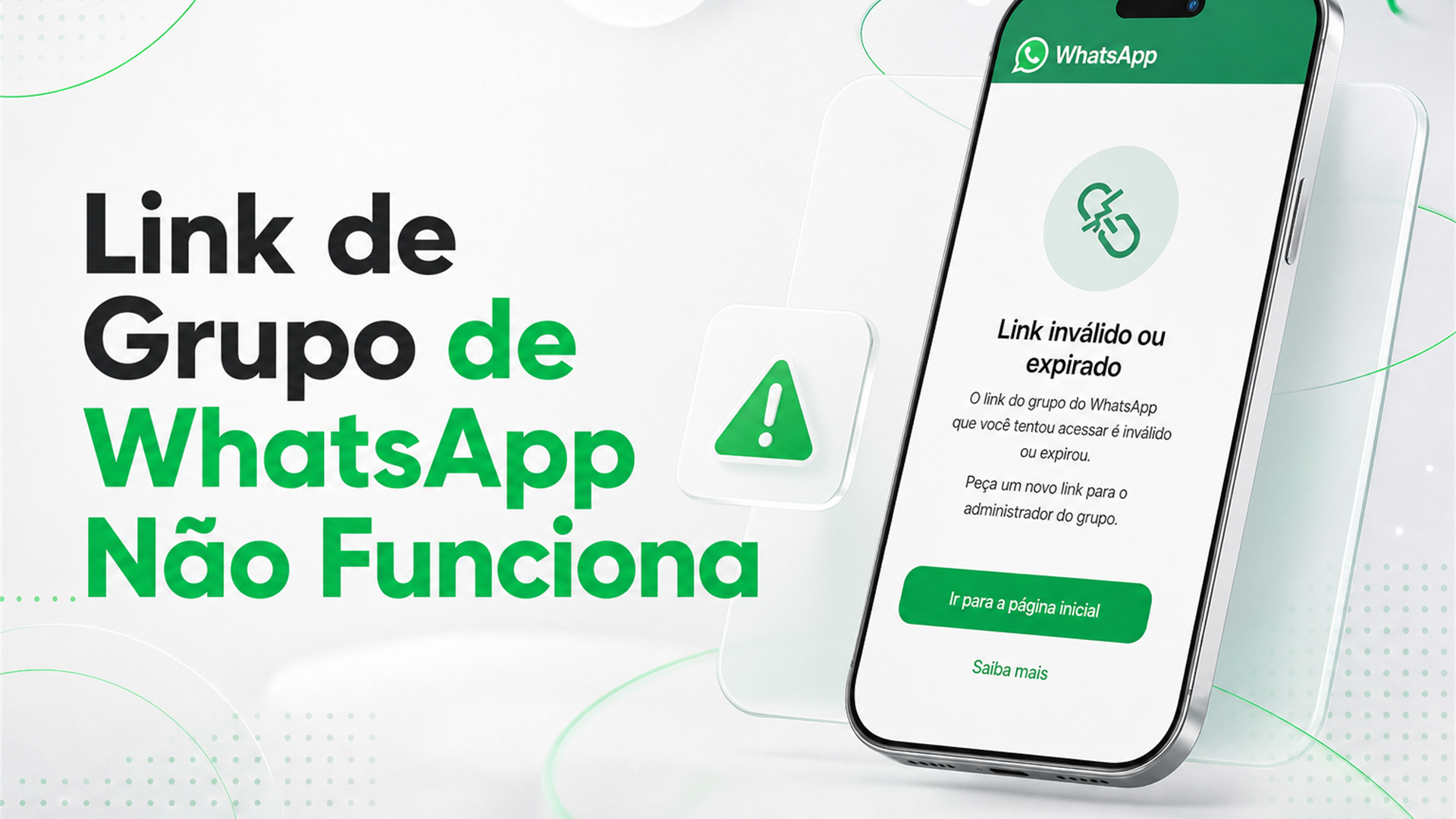
When a WhatsApp group link is not working, you usually see an on-screen error — and the cause almost always falls into a few types: canceled invite, full group, badly copied URL, or a temporary app glitch. Reading the message before you tap again saves time and helps you avoid scams dressed up as fixes.
Read the message before you try again
Invalid link or invite reset: the admin generated a new link; the old one died for everyone. Could not join is generic — it may be capacity, instability, or a restriction. Note the exact wording.
Compare it with healthy invite behavior in the guide to WhatsApp group links.
Revoked invite
Admins revoke when a link leaks into spam, bots flood in, or the focus changes. Regular users cannot reactivate — wait for a new link or look for another group on the same topic.
In fast-filling niches, like gaming groups, yesterday's invite may be dead today. That is normal.
Group is full
The member limit has no bypass for people trying to join. Options: a similar group, wait for a spot, or ask the admin to open a second room.
Admins can create a second group or remove inactive members — on your side, you can only look for an alternative in the same category.
Some app versions show the same error for a revoked invite and a full group; testing another link in the same category helps tell a dead link from a packed room.
Group deleted or abandoned
The admin deleted the room, the group was reported, or moderation stopped — the invite becomes a dead address. A page that published an old link may send you through several errors before you find a live option.
URL copied wrong
Half a link, a space in the middle, or reposting a screenshot instead of the original button breaks the invite. One missing character is enough.
In topics with heavy sharing, like anime groups, click the original source on the page — not rewritten text in a comment.
Device or network issue
No invite opens at all: update WhatsApp, restart the app, try mobile data without VPN. Corporate Wi-Fi and battery saver sometimes block redirects.
Only one link fails: outdated source. Unsure about the join flow? See how to join a WhatsApp group.
Try opening any other invite you trust. If they all fail, the problem is local; if only one fails, the problem is the address or the group.
Link opens, but wrong group
A reused invite or false description can land you in a different room than promised. Leave and mark the source as low quality — technically it opened, semantically it failed.
What to do in practice
Go back to the category on WhatsApp Groups and test a recent invite. Report a broken link button to the page if there is one.
Never install a third-party app, pay, or share an SMS code to unlock entry. Scammers love that excuse.
A page that asks you to sign up on an unknown site before showing the invite usually collects data, not fixes links. Close it and look for a trusted themed directory.
If you are the admin and the invite stopped working: generate a new link under Group info and replace it wherever you published the old one. Regular users can only switch sources.
Comments on a directory page asking to update this link help when a moderator exists — mass broken links suggest poor maintenance, not necessarily a scam.
A screenshot of the error sent to the site admin speeds up a swap; a screenshot sent to a stranger who asks for login does not.
Frequently asked questions
It works for someone else but not for me?
Maybe, because of cache, app version, or connection. If many people report the same error, the invite is dead for everyone.
Does VPN get in the way?
Sometimes. Turn it off for a few minutes and try another network.
Can I ask the admin for a new link?
Yes, if you know who runs the group or can reach the page that shared it. Regular users cannot revive a revoked invite — only wait for a new publication.
Do invite links expire?
WhatsApp does not show a clear expiry date to users. An invite can die when the admin revokes it, the group fills up, or the room is deleted. A link from a months-old post is suspicious by definition.
Do I need to reinstall the app?
Only after you try an update, a restart, and another network. If no invite opens on your phone but opens on someone else's at the same time, the problem is local — reinstalling may help. If nobody can join, the link is dead.
Opens on phone but not on computer?
Confirm Web or desktop is logged into the same account, up to date, and not blocked by a work network. One device failing alone is usually cache or session, not a full group.
Conclusion
When a group invite will not open or shows an error, read the message, rule out a dead or full link, test app and network, and look for an updated source. The usual fix is switching links, not installing a miracle app.
Distrust any solution that asks for payment, a third-party app, or an SMS code. Scammers love broken invites. With a fresh source and a bit of judgment, you are back in the normal flow within minutes.
0/5 · 0 ratings
Related
Read more